

Ready to start trading on one of the world’s most trusted platforms? Whether you’re a beginner or an experienced trader, opening an Exness account is the first step to tapping into the Forex and crypto markets. This guide will walk you through the process—quickly, clearly, and with image-based instructions!
✅ Why Choose Exness?
Before we dive into the signup process, here’s why Exness is the top pick for millions of traders:
- 🏆 Regulated by top-tier financial authorities (FCA, CySEC, FSCA)
- ⚡ Ultra-fast order execution and low spreads
- 💰 Multiple account types for different strategies
- 🔁 Instant deposits and withdrawals
- 🌍 Multilingual support 24/7
- 🧠 AI tools, copy trading, VPS hosting, and MT4/MT5 access
🧭 Step-by-Step Guide to Open an Exness Account
📌 Step 1: Visit the Official Exness Website
Go to 👉 www.exness.com
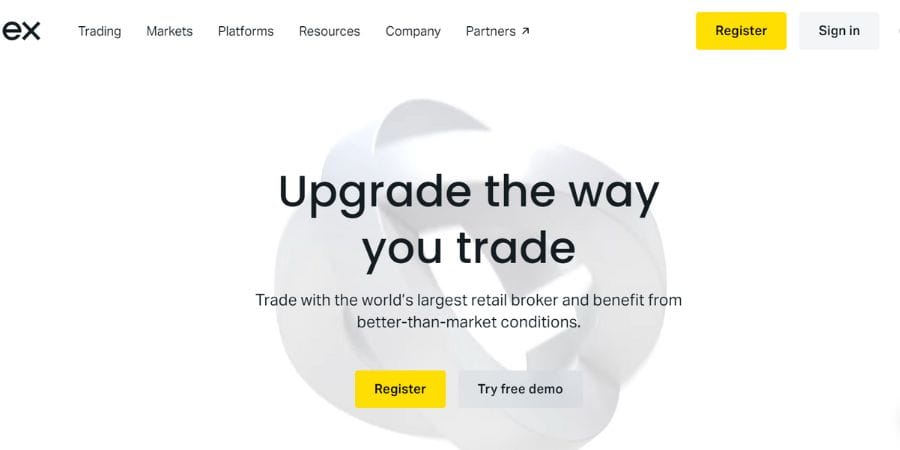
📝 Step 2: Click “Register.”
- Choose your country
- Enter your email
- Create a secure password
- Click “Continue.”
✅ Make sure your password includes upper/lowercase letters and symbols for extra security.
👤 Step 3: Verify Your Email
You’ll receive a confirmation email. Click the verification link to activate your account.
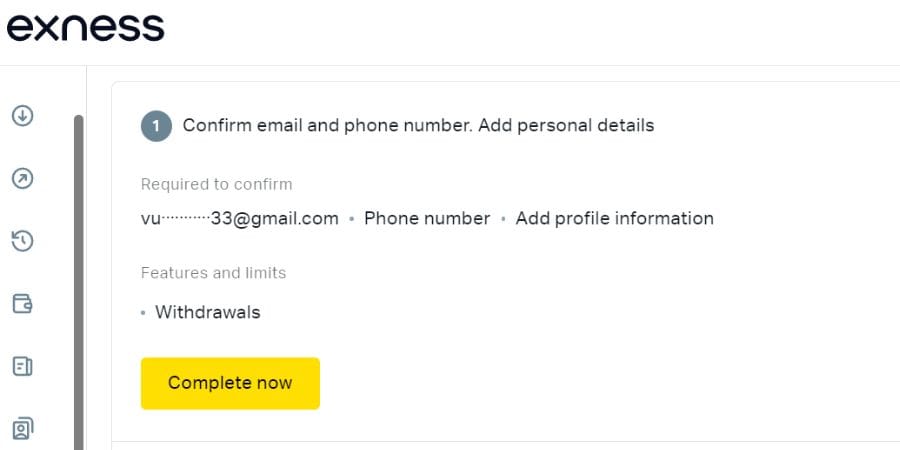
📱 Step 4: Complete Personal Information
Fill in:
- Full name (as per ID)
- Date of birth
- Phone number (you’ll receive a verification code)
🪪 Step 5: Upload KYC Documents
To verify your identity, upload:
- Government-issued ID or passport
- Proof of residence (utility bill, bank statement, etc.)
🛡️ Tip: Clear images, no shadows, full document visible = faster approval.
💼 Step 6: Choose an Account Type
Exness offers 4 main account types:
| Account Type | Best For | Spreads | Commission |
|---|---|---|---|
| Standard | Beginners | Floating | $0 |
| Pro | Professionals | Tight | $0 |
| Raw Spread | Scalpers | Ultra-low | Yes |
| Cent | Strategy testing | Floating | $0 |
💳 Step 7: Deposit Funds
Exness supports:
- Local banks
- E-wallets (Skrill, Neteller)
- Crypto (USDT, BTC)
- Visa/Mastercard
⚡ Most deposits are processed instantly.
📊 Step 8: Start Trading
Download MT4, MT5, or trade on the web terminal. Set your leverage, pick your assets (Forex, crypto, stocks), and go live!
🎯 Pro Tip: Use a demo account first to practice your strategy.
💡 Benefits of Opening an Exness Account Through Tradeonboard
When you register via our affiliate link, you get
✅ Priority support
✅ Exclusive trading tips
✅ Updates on airdrops, rebates, and bonuses
✅ Access to our premium trading community
👉 Click here to open your Exness account now
📥 Ready to Start Trading?
Opening your Exness account is free, fast, and simple. Whether you’re looking to day trade or invest long-term, Exness offers the tools, support, and flexibility you need to succeed in today’s dynamic markets.
🔐 Open Your Exness Account Here