

Starting your trading journey begins with the right broker—and Exness is one of the most trusted names in Forex and crypto trading worldwide. But before you can explore the markets, you’ll need to set up your account. Don’t worry—it’s quick and simple! In this guide, I’ll walk you through how to register an Exness account step-by-step, so you can begin trading confidently in just a few minutes.
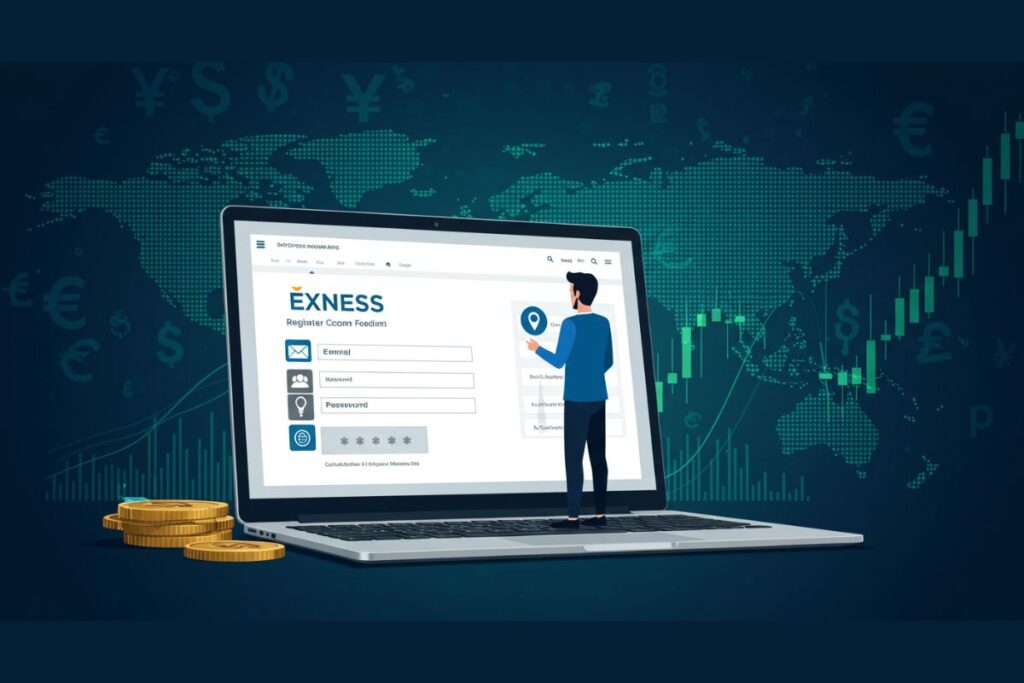
Step 1: Visit the Official Exness Website
Go to the official Exness website: www.exness.com. Make sure you are on the official site to avoid scams or phishing attempts.
Step 2: Click on “Open Account”
On the homepage, click the “Open Account” button in the top-right corner. This will take you to the registration page.
Step 3: Fill in Your Basic Details
You will be asked to provide:
- Country of residence – This determines your available account options.
- Email address – Use an active email that you can verify.
- Password – Create a strong password (combine letters, numbers, and symbols).
Once done, click “Continue.”
Step 4: Verify Your Email
Exness will send you a confirmation email. Open it and click on the verification link to activate your account.
Step 5: Complete Your Personal Profile
To comply with financial regulations, Exness requires you to fill out your profile:
- Full name
- Date of birth
- Address
- Contact number
This ensures your account is secure and compliant with KYC (Know Your Customer) regulations.
Step 6: Verify Your Identity (KYC)
Upload a valid government-issued ID (passport, national ID, or driver’s license) and proof of address (utility bill or bank statement). This verification process usually takes less than 24 hours.
Step 7: Choose Your Trading Account
Exness offers different account types such as Standard, Standard Cent, Pro, Raw Spread, and Zero. Choose one based on your trading style and capital.
👉 Beginners usually start with a Standard or Standard Cent account.
👉 Professionals may prefer Pro or Raw Spread accounts for tighter spreads.
Step 8: Make Your First Deposit
Once your account is verified, you can deposit funds. Exness supports multiple payment methods, including bank transfer, credit card, Skrill, Neteller, and crypto wallets.
Step 9: Download a Trading Platform
Choose your preferred platform:
- MT4 (MetaTrader 4) – for Forex-focused traders.
- MT5 (MetaTrader 5) – for multi-asset trading.
- Exness Terminal – browser-based, no download required.
Step 10: Start Trading
Congratulations! Your Exness account is now ready. You can begin trading Forex, commodities, indices, and cryptocurrencies.
Ready to start your trading journey? Register your Exness account today and take advantage of one of the most reliable brokers in the world.
👉 Create Your Exness Account Now